Auburn Football AuburnLastUpdated
Overview
During the Auburn football season, we typically run a green screen starting four hours prior to kickoff and take photos in the suites during the game.
This document has training info and examples for the suites portion of the event.
Suites General Procedure
- Arrive half an hour before game time to setup your gear unless otherwise instructed.
- Always take a photo of the suite number prior to entering and photographing that suite.
- If you forget, take it after the suite and then take a picture of your foot or hand before you continue.
Also make sure you make a note of the mistake and let the printer know when you drop off your card.
- If you forget, take it after the suite and then take a picture of your foot or hand before you continue.
- The printer will typically print every photo, so delete any mistake photos that you correct by taking another. For example, if you catch a blink and then take a replacement, delete the blink photo.
- Frequently drop off your card and get a new one, especially near the beginning. Continue that way through both floors.
- Check your phone often between suites for messages from the printer. They may ask you to swap cards early, swing by a suite for a special request, etc.
- Use the PathKey app to track your progress and keep notes: PathKey App Manual
Standard Start Settings (t5i)
- Shutter 125
- ISO 400
- F11
- Flash -1/4
If necessary, drop to F8 in camera, lower than F8 tends to get fuzzy with more than one subject. Lower than 1/125 shutter shows hand tremor.
Test the light outside the suites, change the f stop to have the meter show two stops above middle.
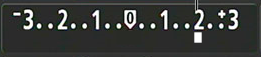
As light gets darker, adjust ISO and f stop on flash
e.g. (iso 800 flash -1/2, iso 1600 flash -3/4, iso 3200 flash -1)
In camera lighting should be a stop brighter than normal as the printer prints darker.
Framing
When framing the shot, keep in mind there will be a border on the print.
- Leave two fingers above the head and to each side.
- Try to make sure there is a defining feature of the field above the left shoulder, preferably a logo.
- Stand at top step with subjects at lowest step, use zoom to avoid window frames and reflections.
- Shoot down to avoid flash reflections in the window, do not bend to their level as the flash will be straight on and will be reflected.
Examples
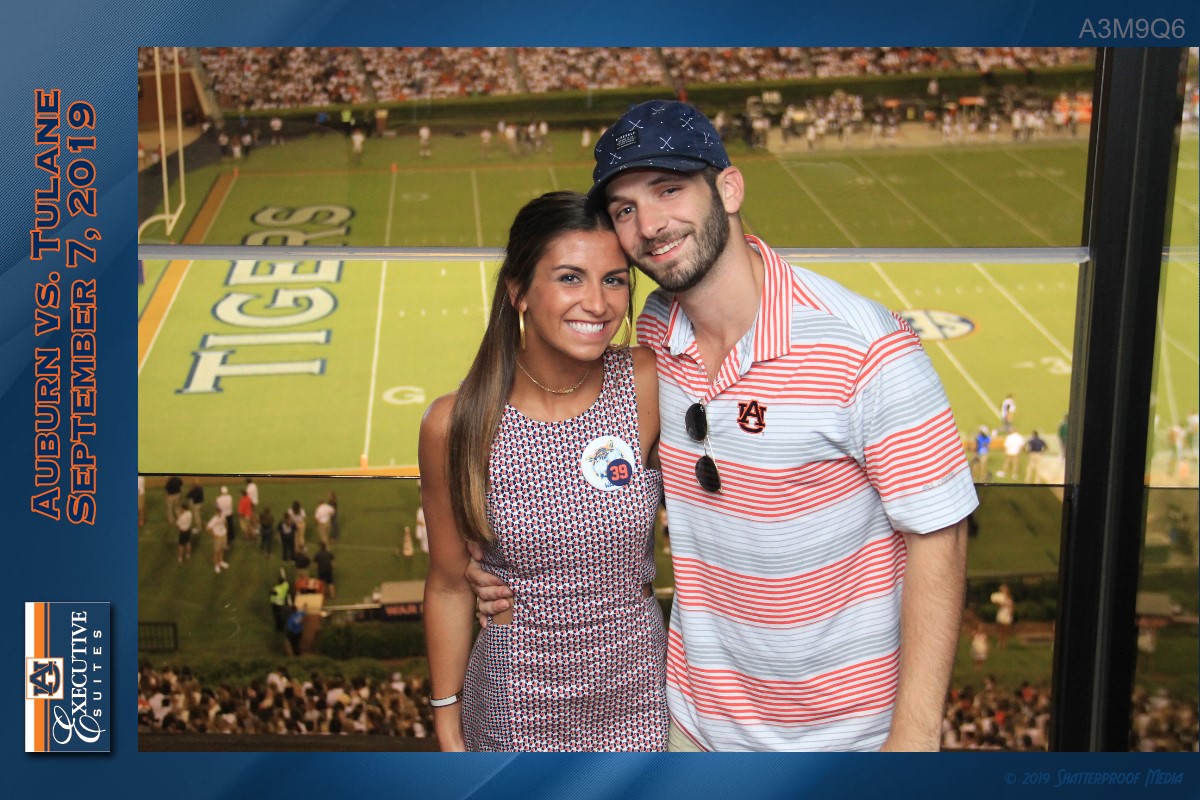
- Exposure Issues Overexposed
- Reflection Issues Flash Reflections
- Framing Issues Left Edge
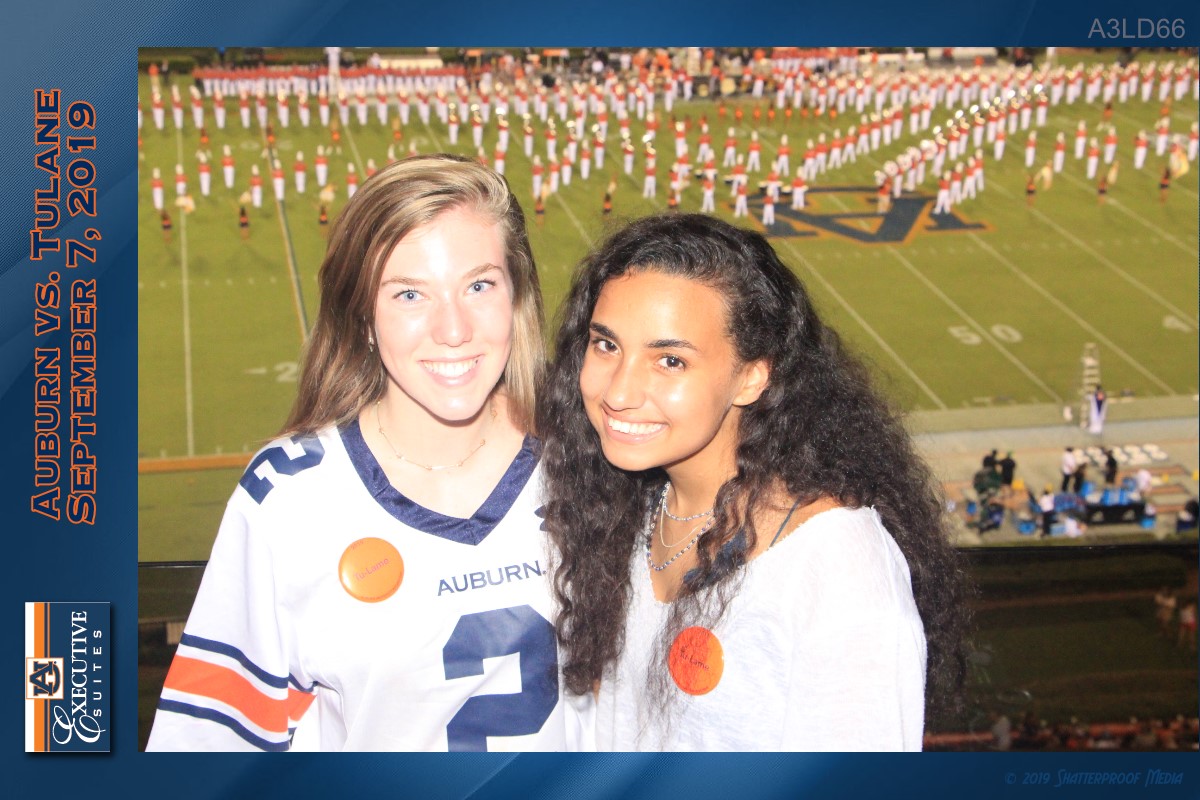
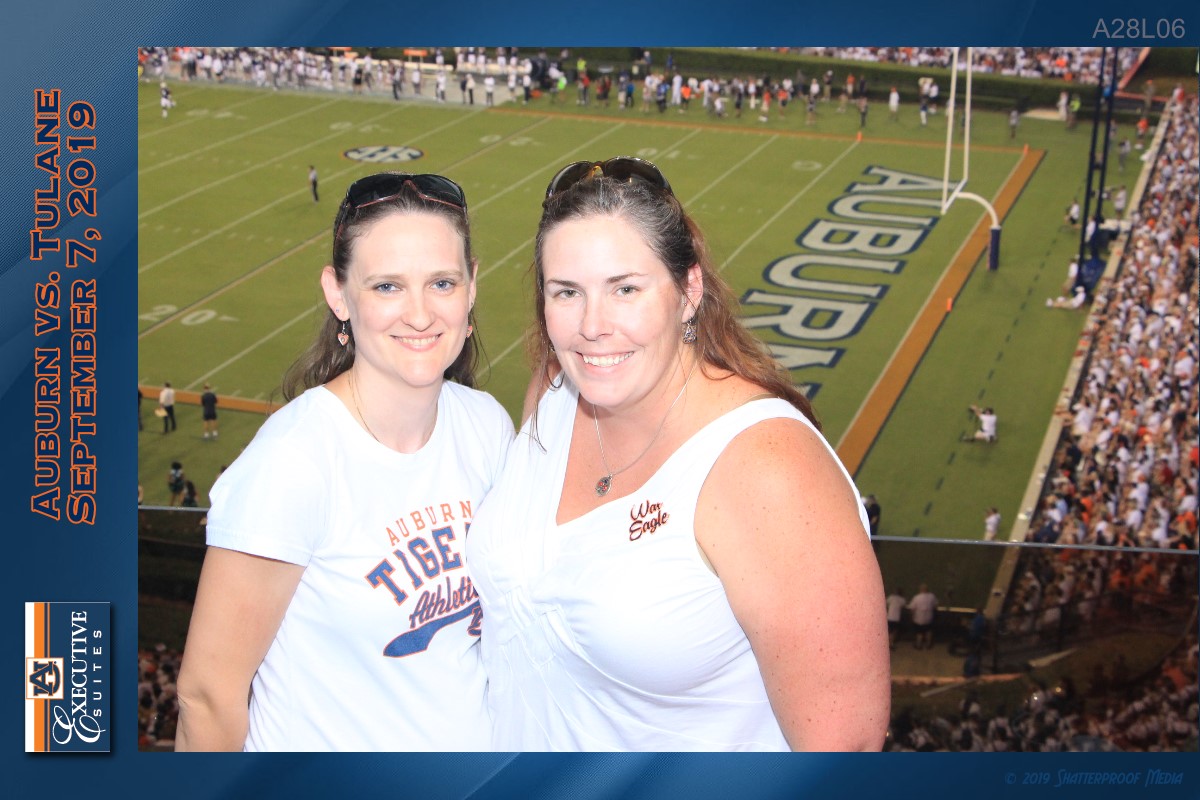
Underexposed
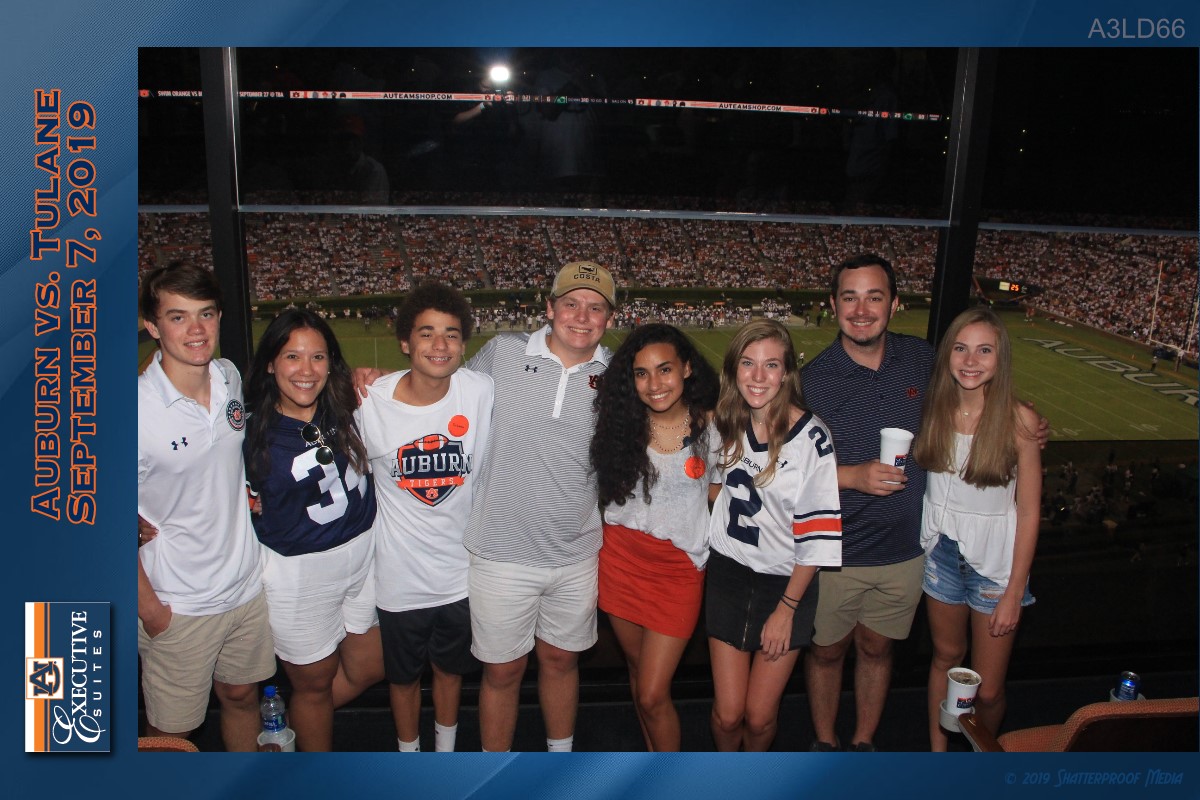
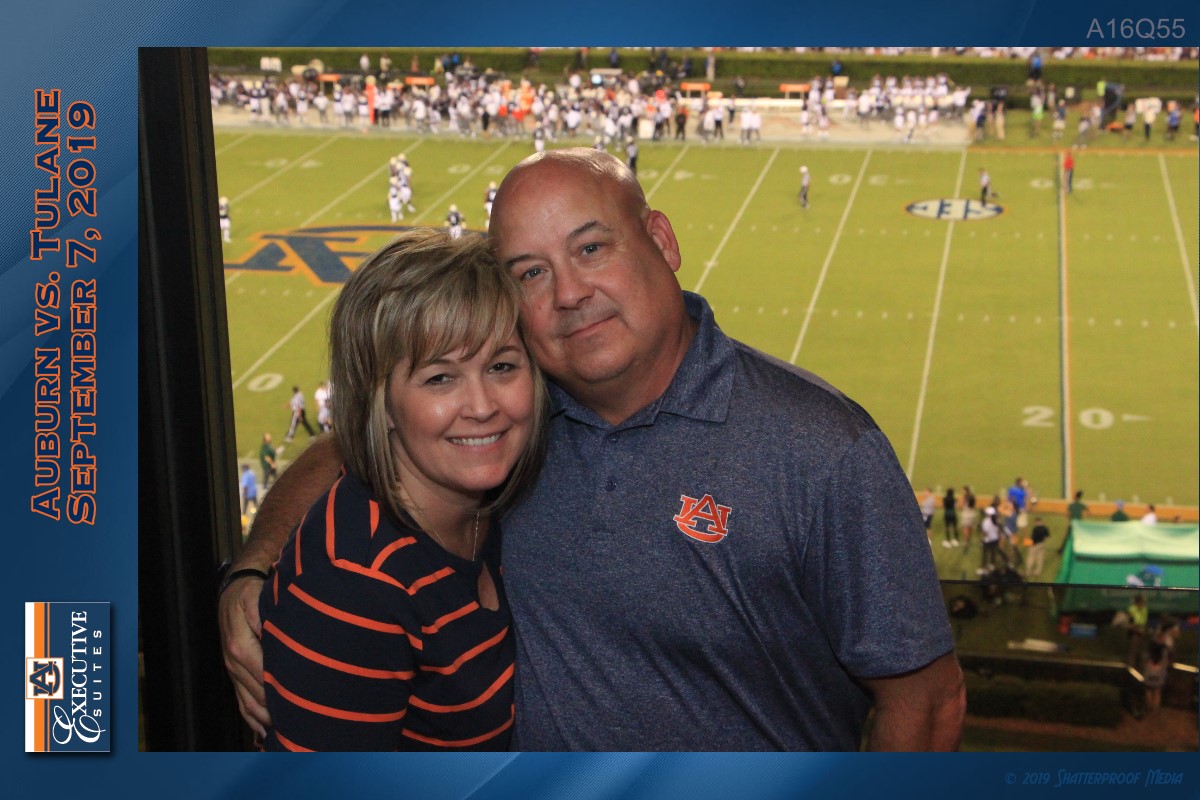
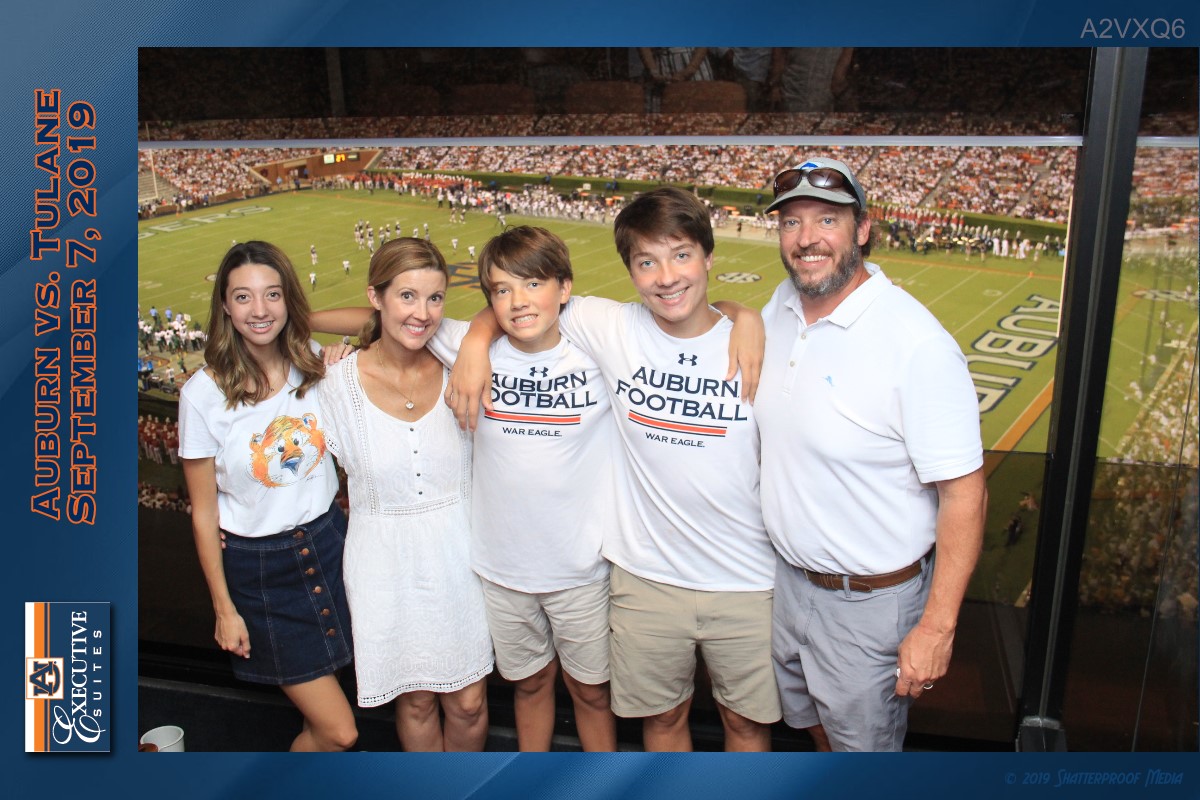
Good
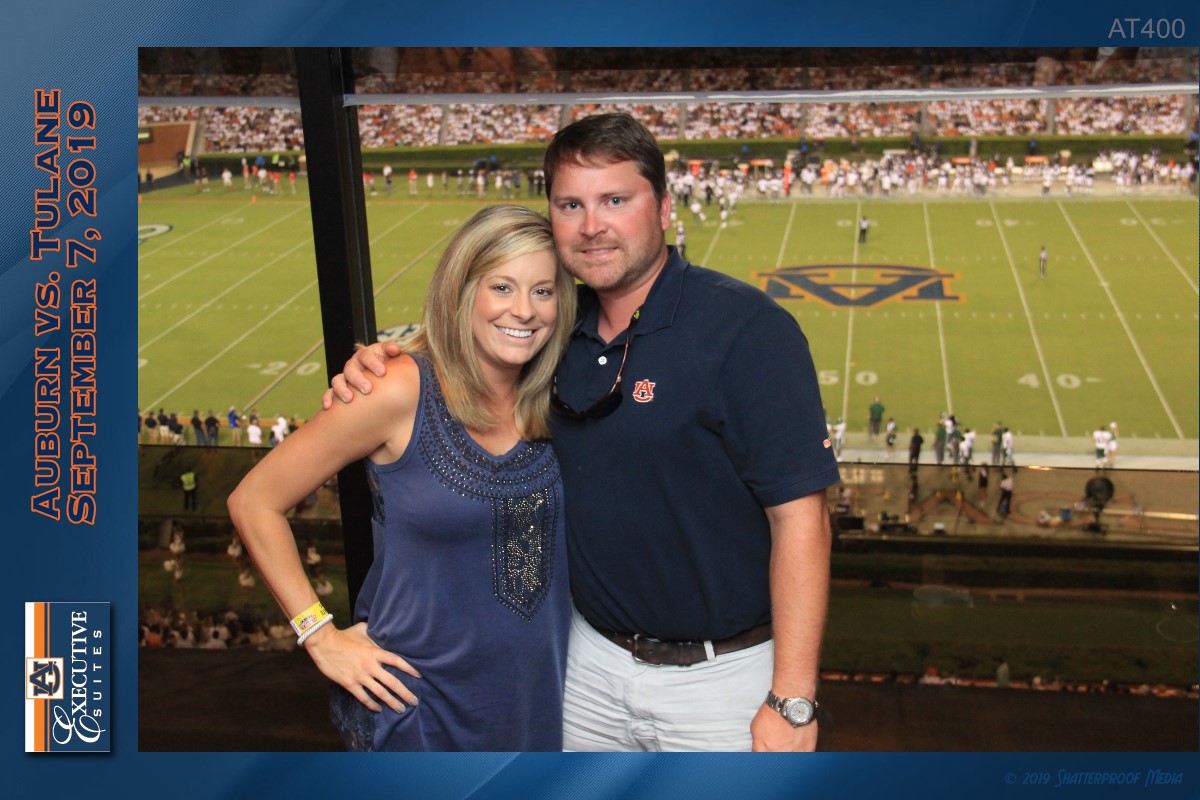
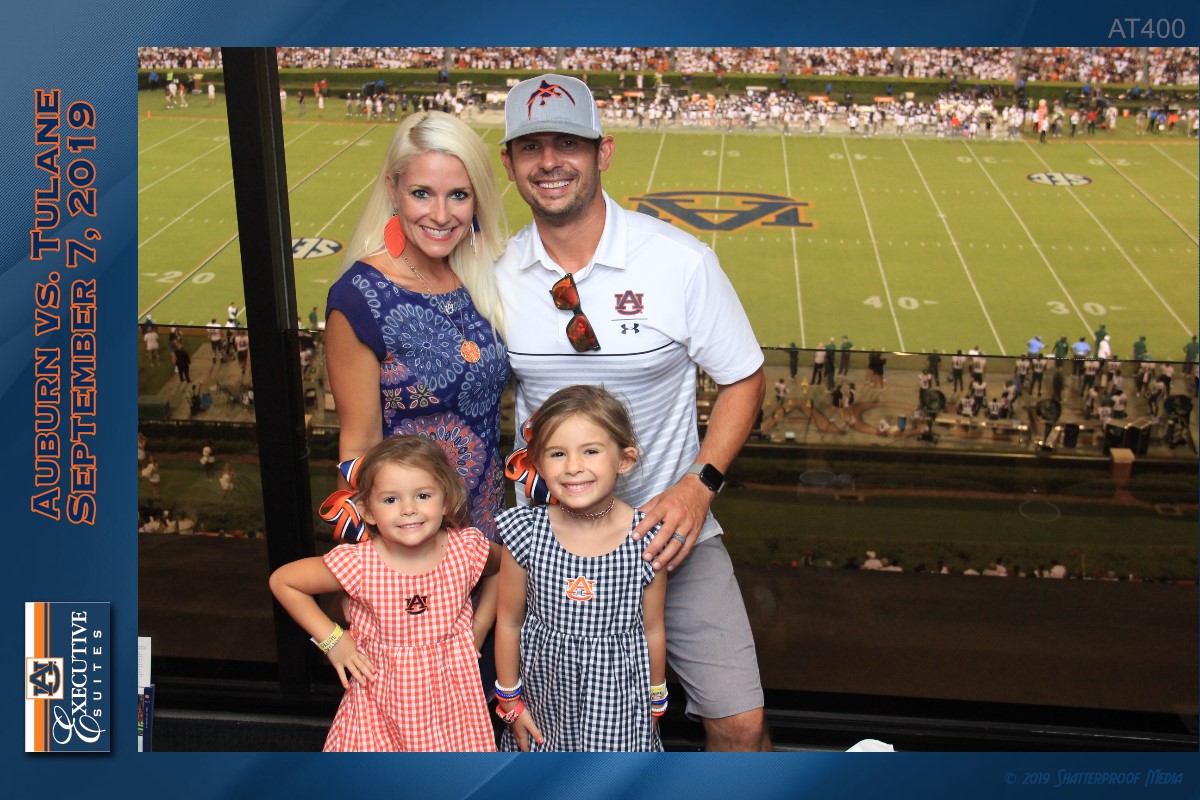
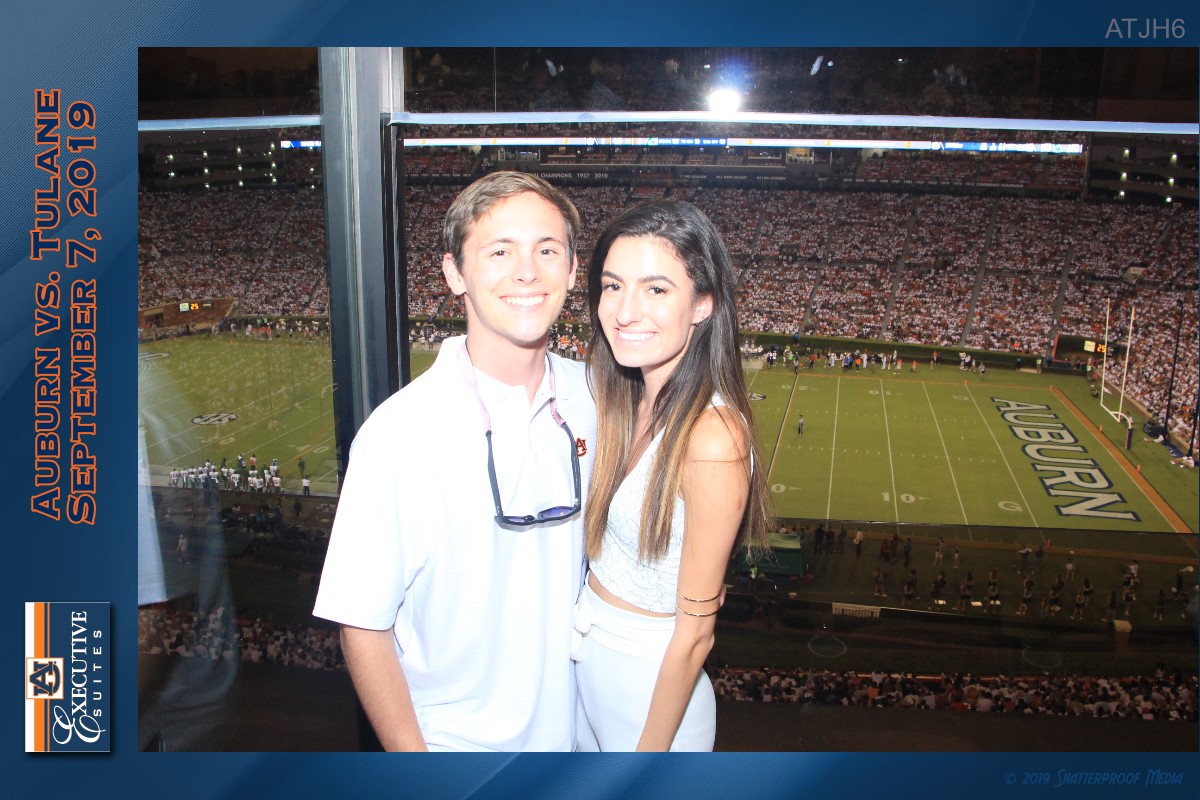
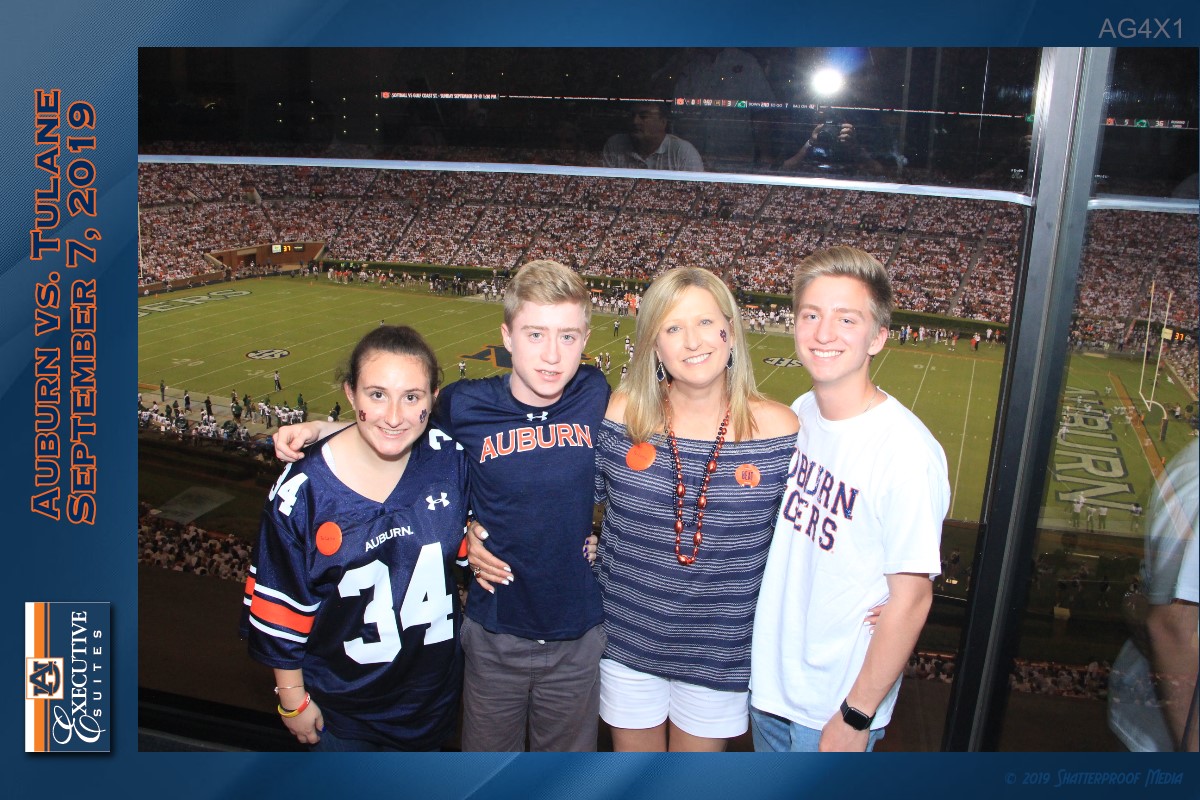
Other Reflections
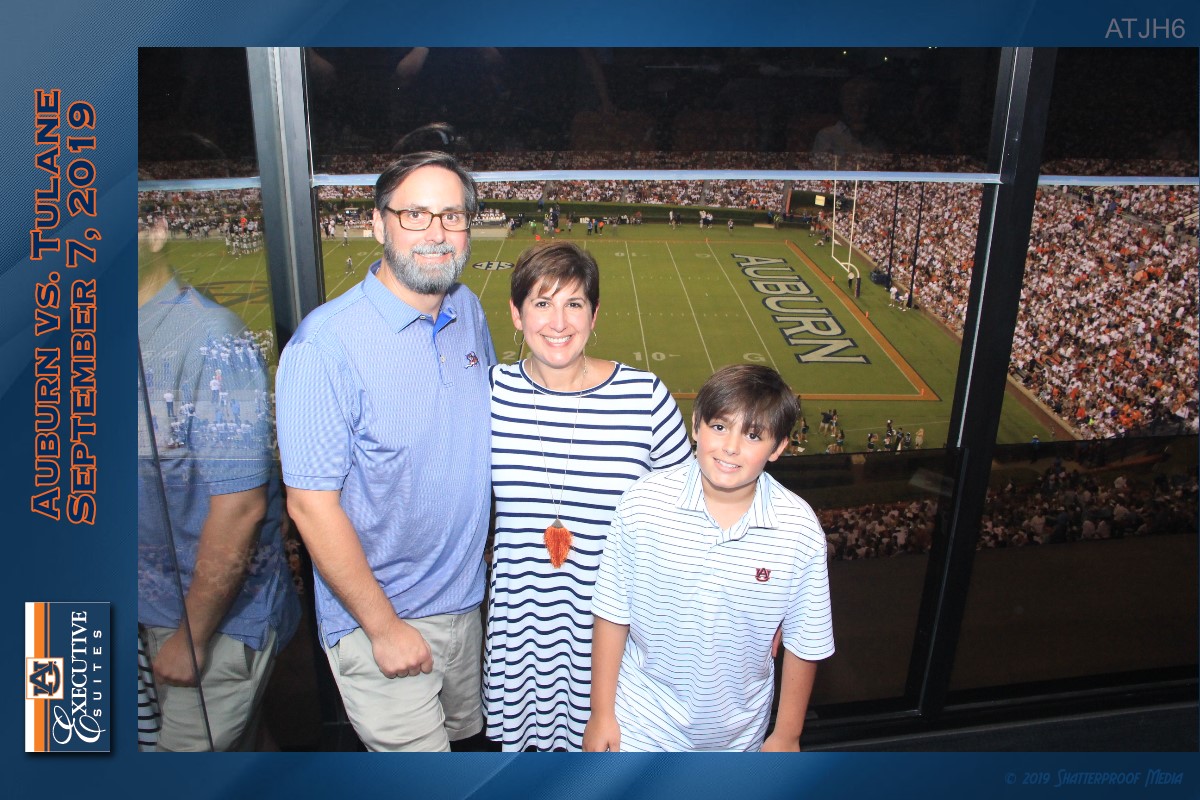
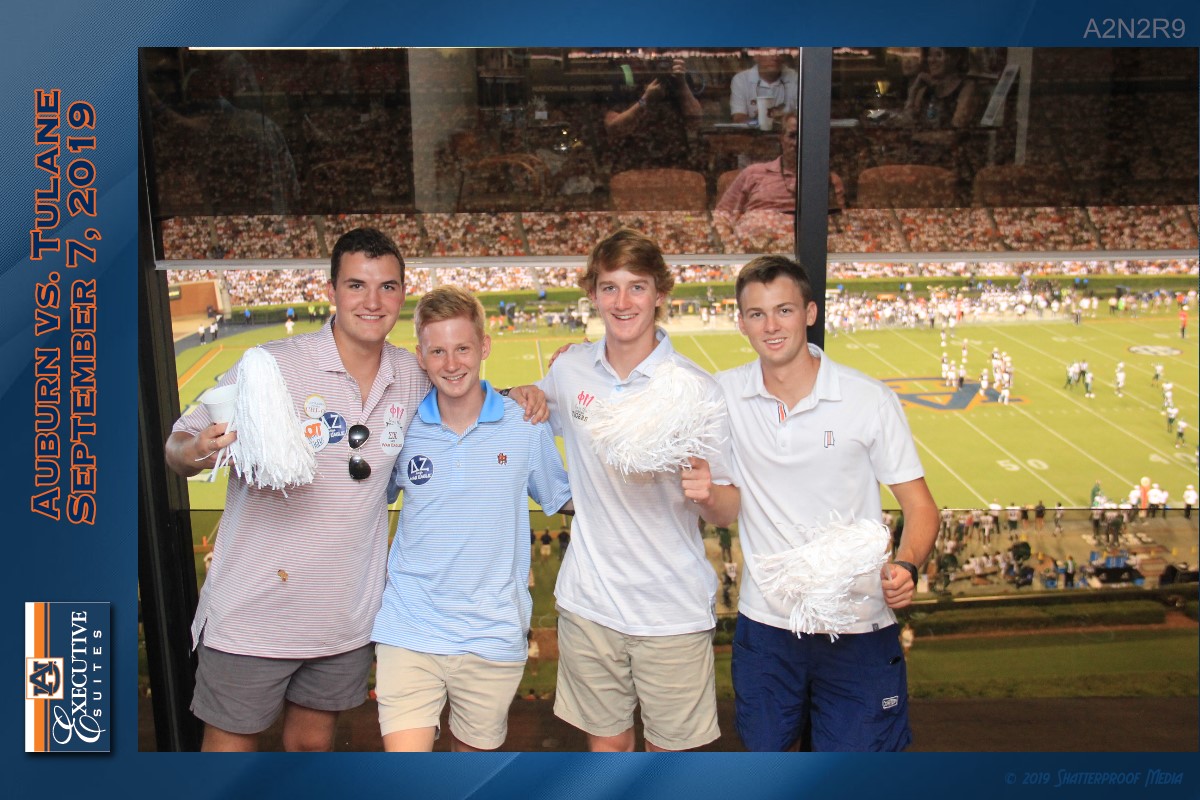
Good
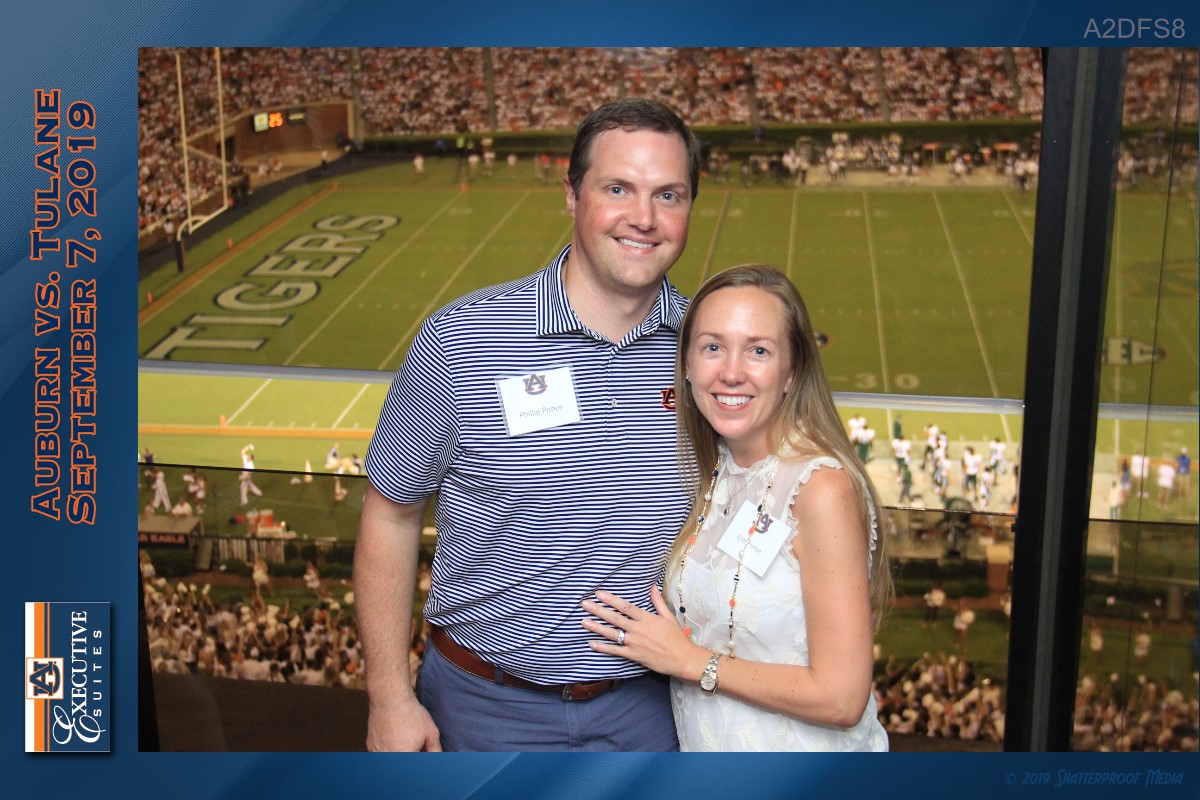
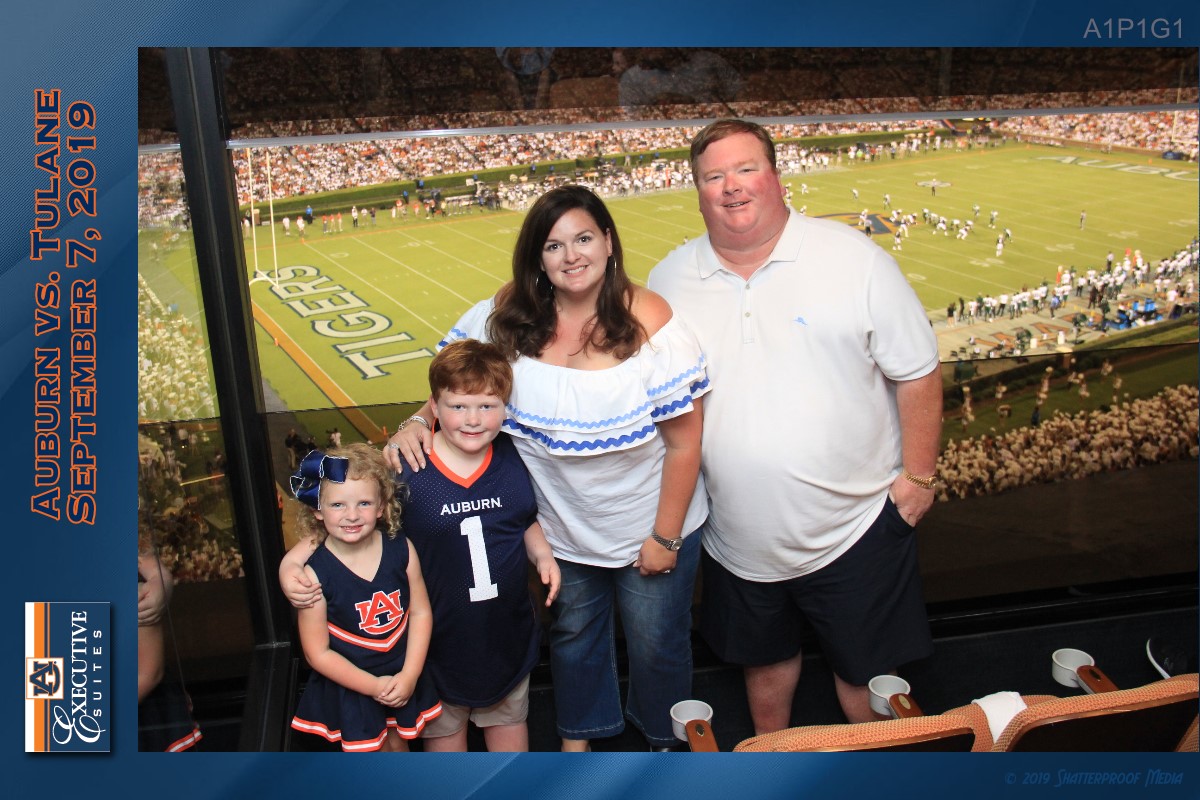
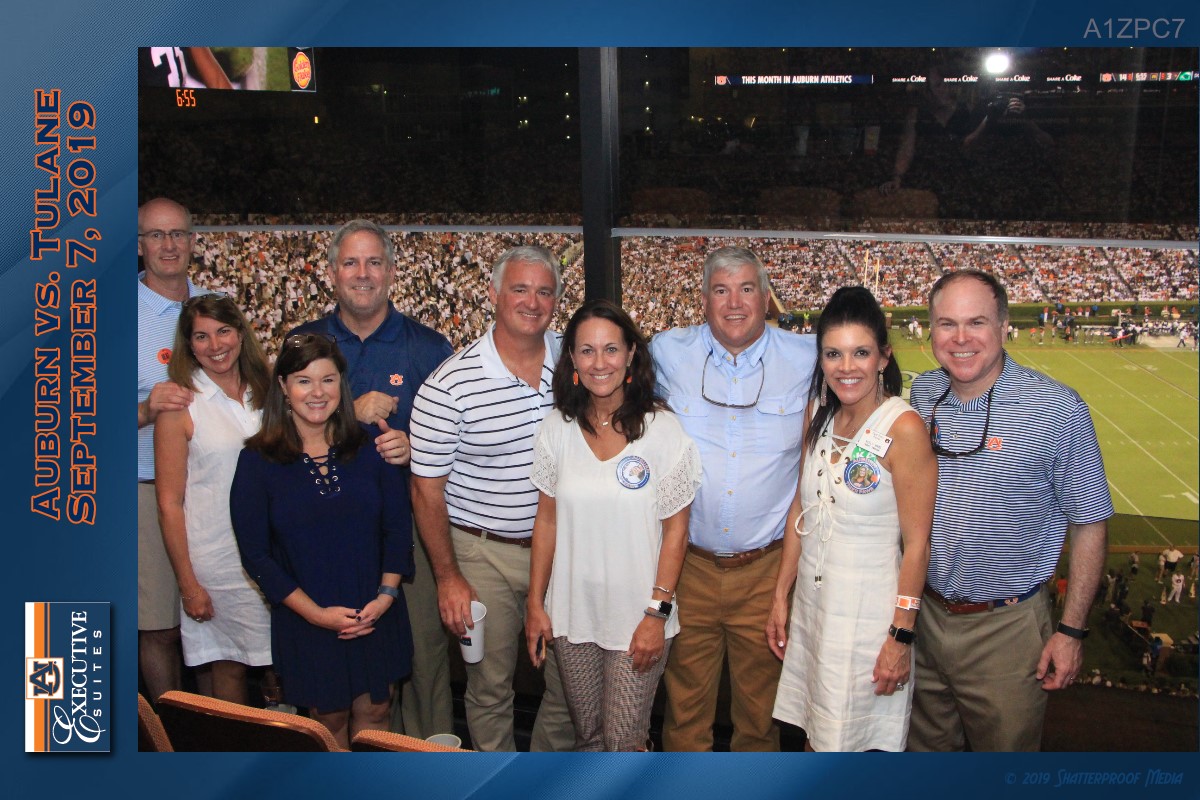
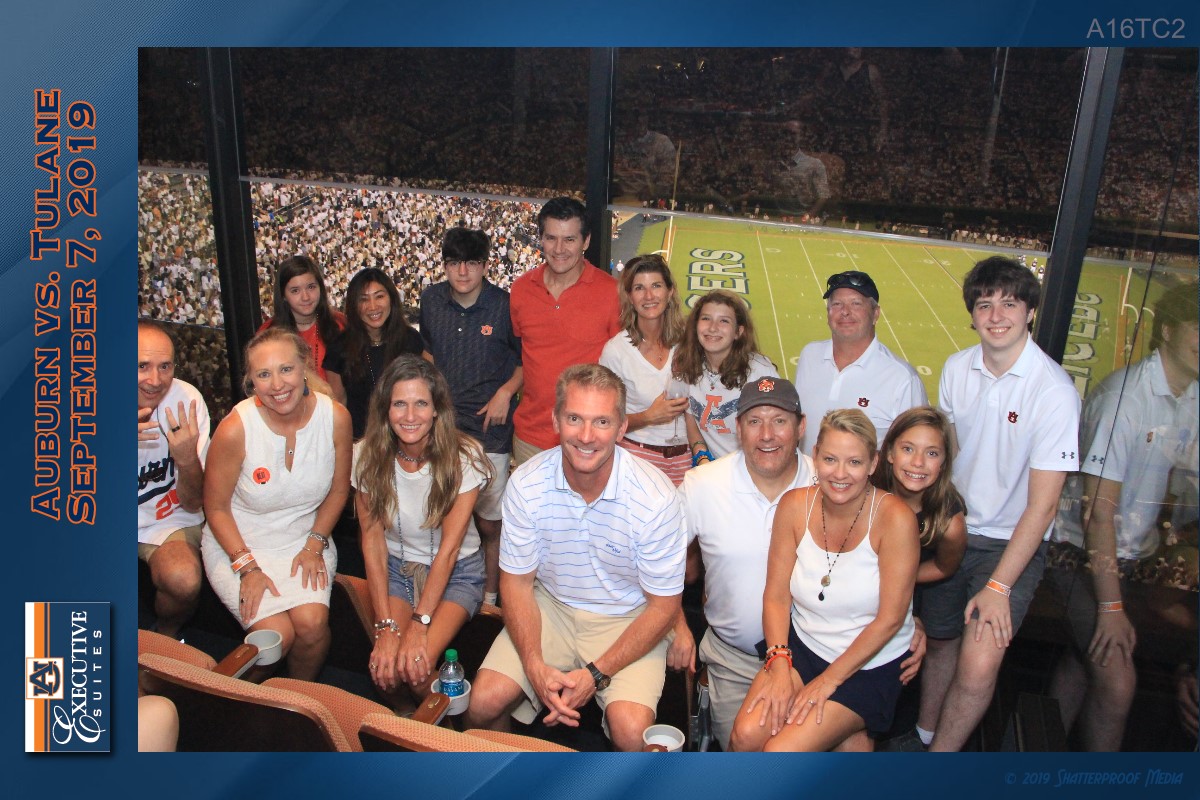
Framed Too Tight
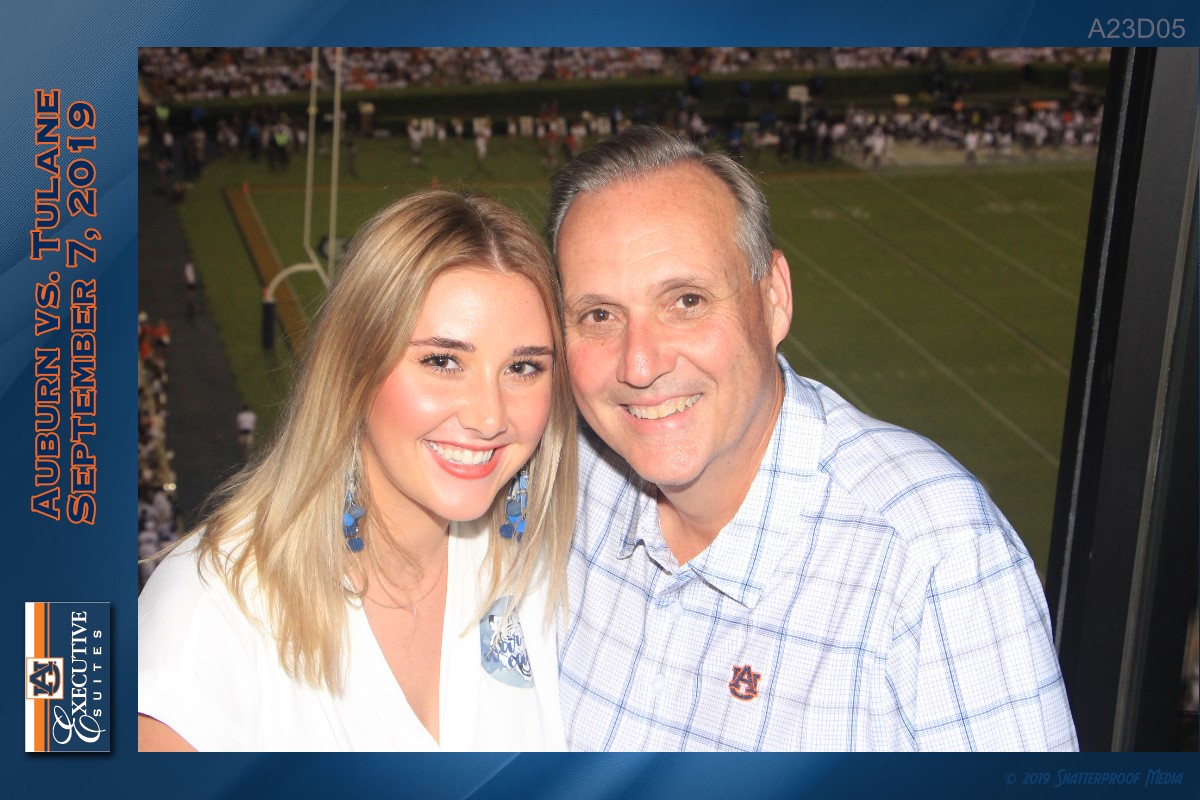
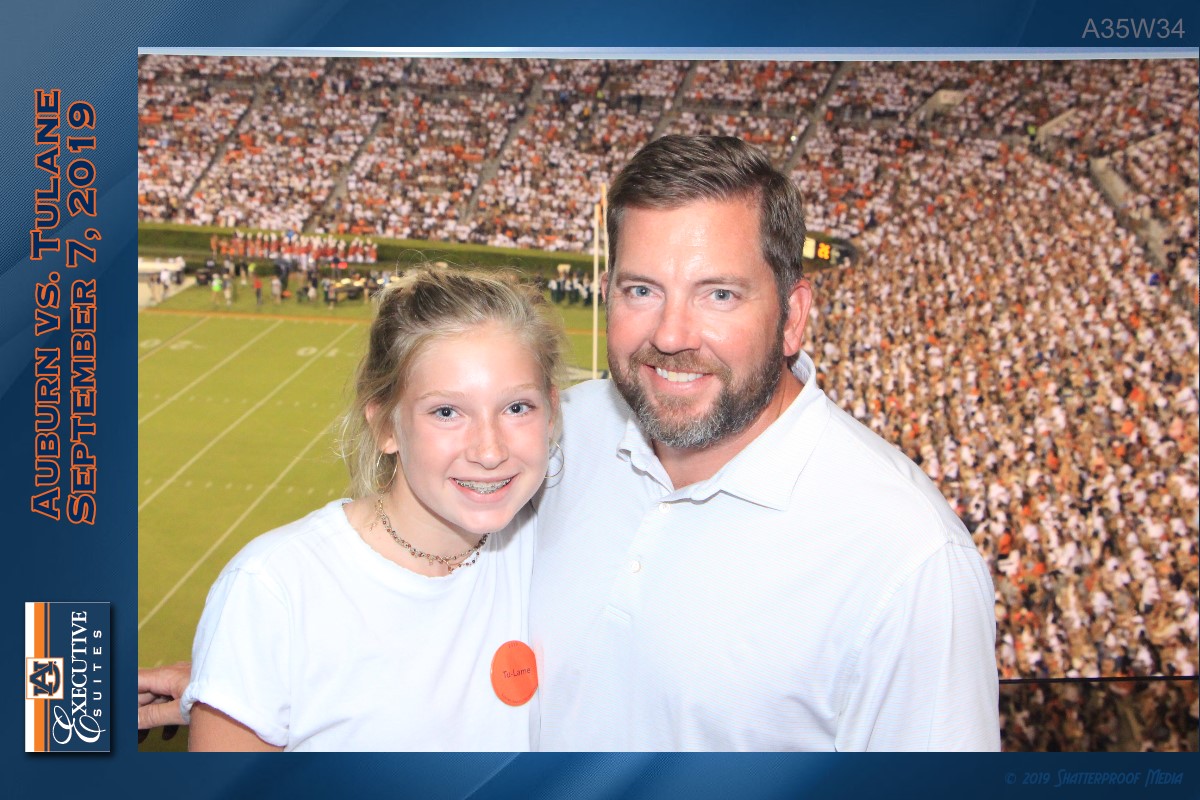
Good